
User Guide: Creating an Account on SendGrant
Welcome!
SendGrant allows you to send scholarship and grant money electronically to recipients of your choosing. Follow these simple steps to create your account and start using our platform today!
Step 1: Navigate to the Sign-Up Page
Open your web browser and navigate to the SendGrant sign-up page. You can find this on the SendGrant home page or by clicking here.
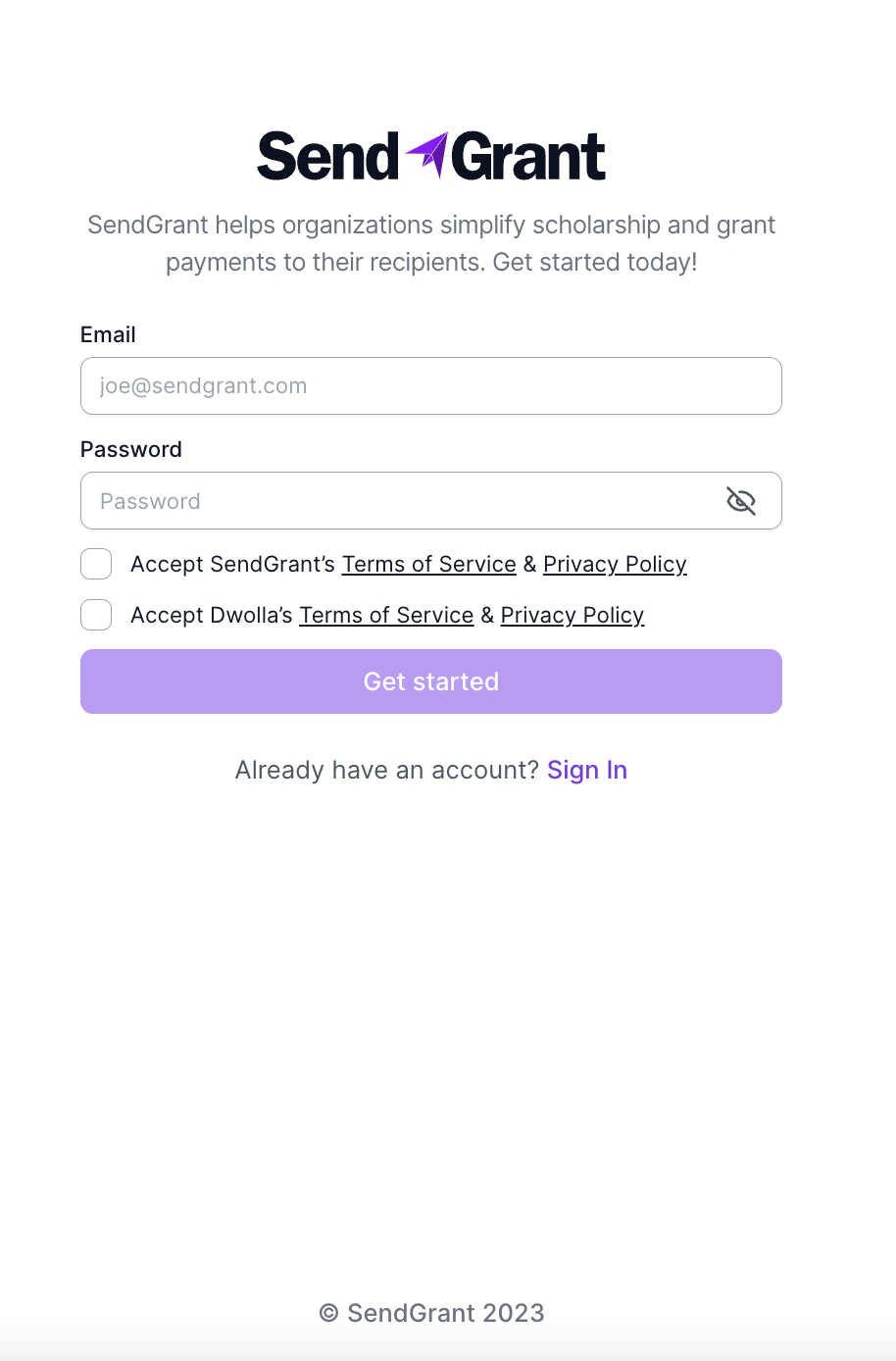
Step 2: Provide Required Information
Once you are on the sign-up page, enter the following information:
- Email Address: Enter a valid and accessible email address that you want to associate with your SendGrant account. For security purposes, we only accept .org domain email addresses at this time.
- Password: Choose a secure password that meets the specified security requirements of a minimum length of 8 characters and must include at least 1 letter, number, and symbol.
Step 3: Accept Terms and Policies
Carefully read and accept the terms of service and privacy policy for SendGrant. Additionally, you'll need to acknowledge and agree to the terms of service and privacy policy of Dwolla, a payment service integrated with SendGrant. Ensure you understand the terms before proceeding.
- SendGrant’s Terms of Service and Privacy Policy
- Dwolla’s Terms of Service and Privacy Policy
Step 4: Click "Get Started"
After entering your information and accepting the terms, click on the "Get Started" button to initiate the account creation process.
Step 5: Validate Your Account
Step 5: Validate Your Account
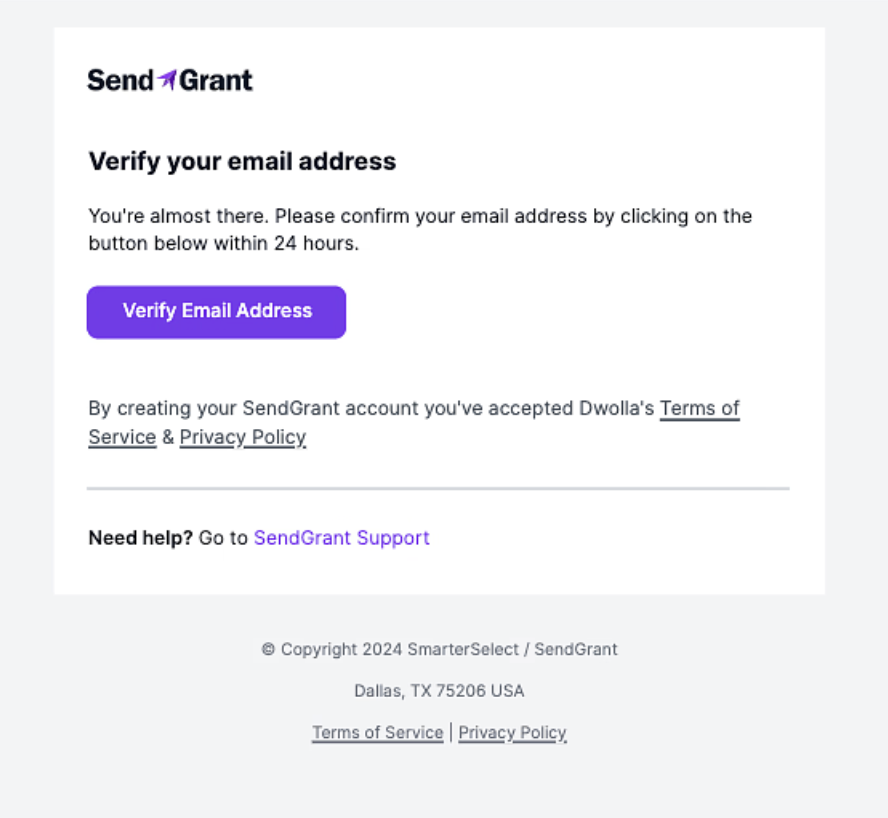
You'll receive an email at the address you provided during registration. Open your email inbox and look for the message from SendGrant.
Within the email, you'll find a validation link. Click on this link to validate your account.
This step ensures the accuracy of your provided email address and finalizes the account creation process.
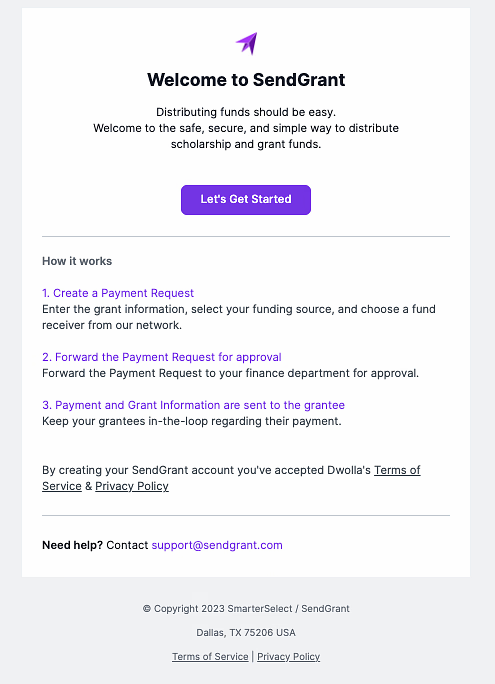
You'll get a welcome email confirming your sign-up
If you encounter any issues during this process, refer to our support documentation or contact our customer support for assistance.